 APPLY
From curious to applied.
Someone comments your word. Ravela replies, and once they answer, sends your form. A few questions later, you know who they are and what they need.
Someone comments APPLY. Ravela replies: “Love that! Want the application?” They answer: “Yes!” Ravela replies: “A few quick questions and you’re in 👇” After they apply, Ravela replies: “Got it! I’ll read every word and be in touch 💛”

- You wrote it once. Every reply here is yours. Ravela sends it whenever someone says the word, day or night.
- Your questions, one tap away. The button opens your form in their browser, one question at a time, with a bar that shows how far they’ve come.
- Answered, and you know. Once they finish, Ravela says so in the same chat, and your next message can use what they told you.
Write it once. Ravela asks.
No back-and-forth to get the details. Just your questions, your words, and every answer in one place.
Build your form
Simple to start, with more when you need it: questions that skip ahead based on answers, your own welcome and thank-you, and your color.
Pick the word
Choose what people comment or send to apply, like APPLY, and write your reply.
They answer. You know.
Every response lands in one place. From a DM, the answers you choose save to their contact, and your next reply can use them.
One question at a time.
This is Ravela’s sample form, a coaching application, so answer it the way a follower would. It’s the same form people open from your DMs.
Try the sample form (opens in a new tab)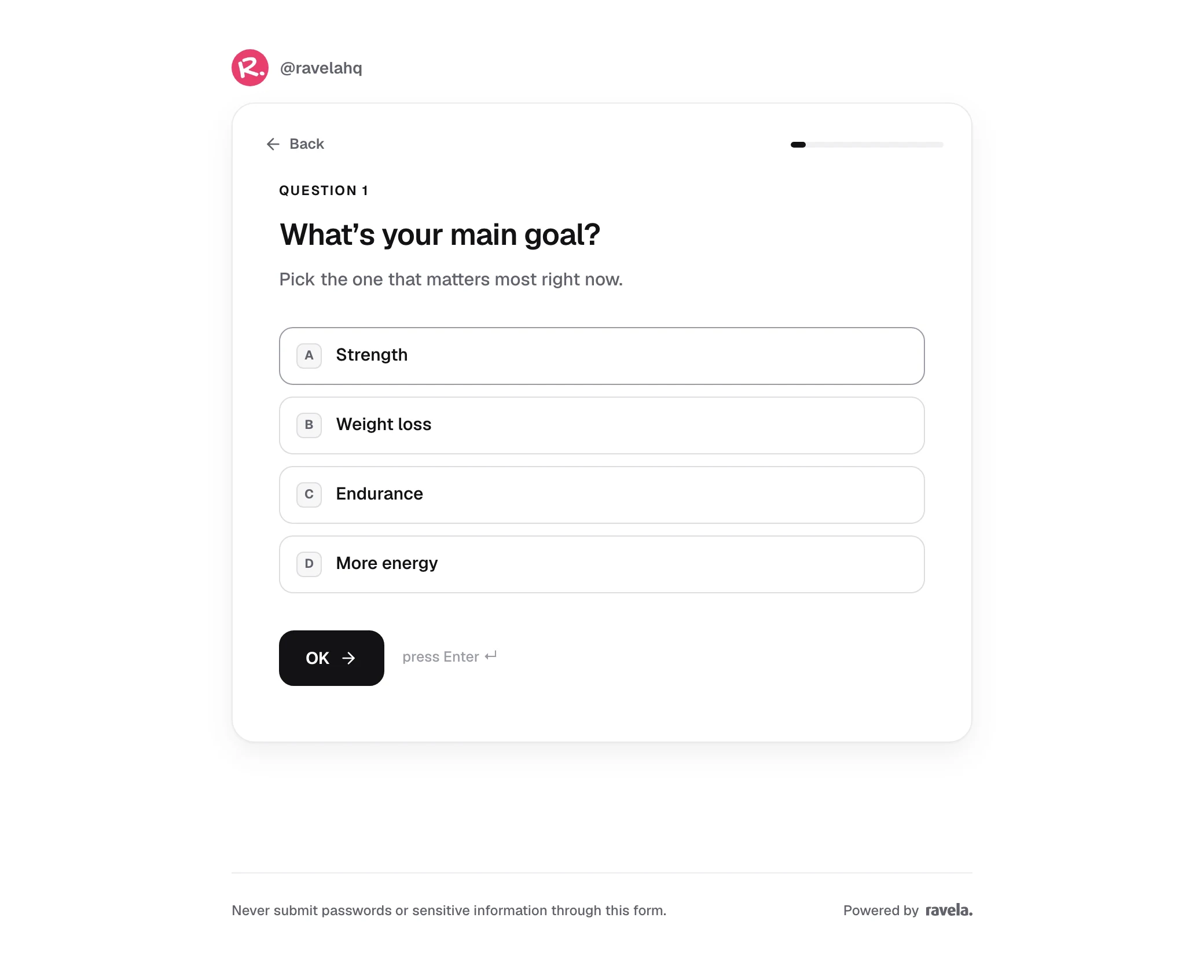
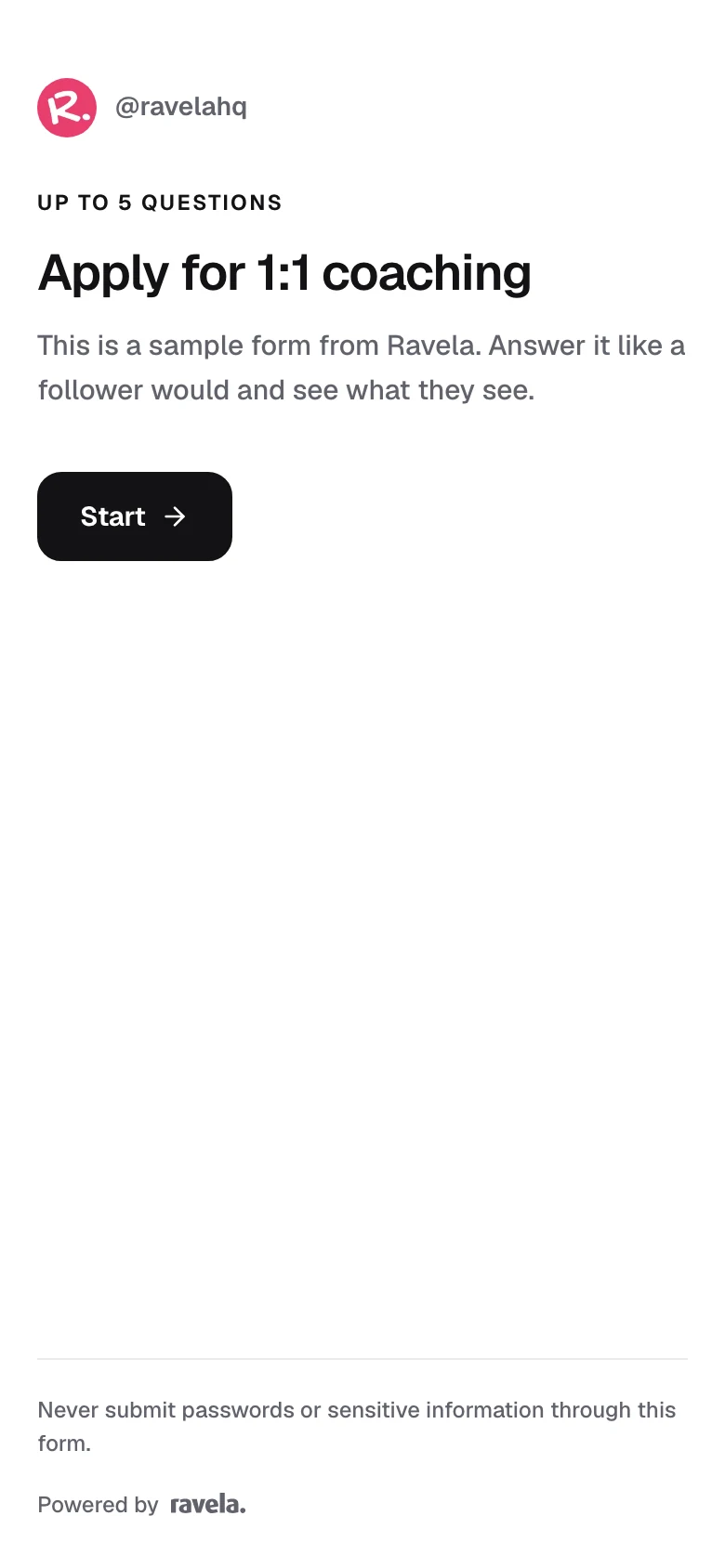
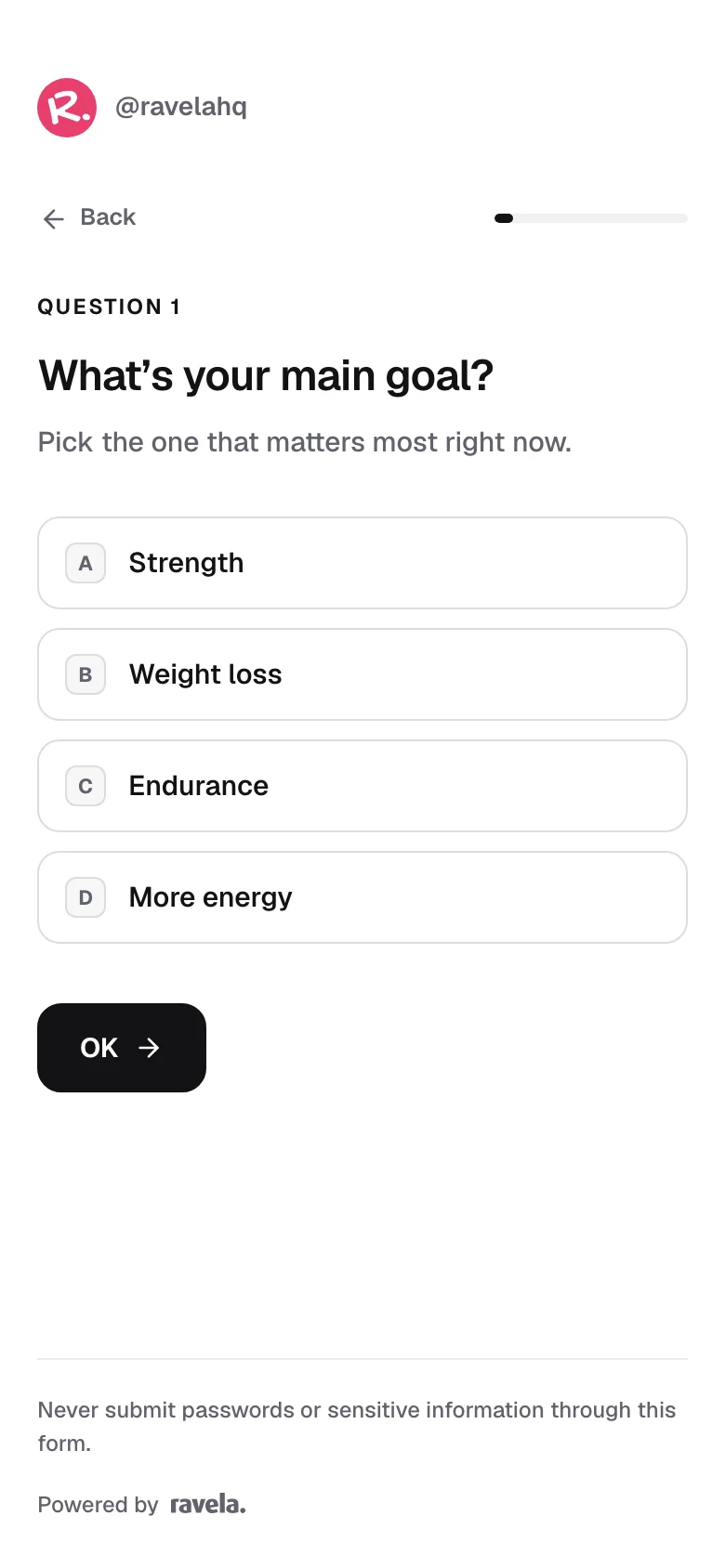
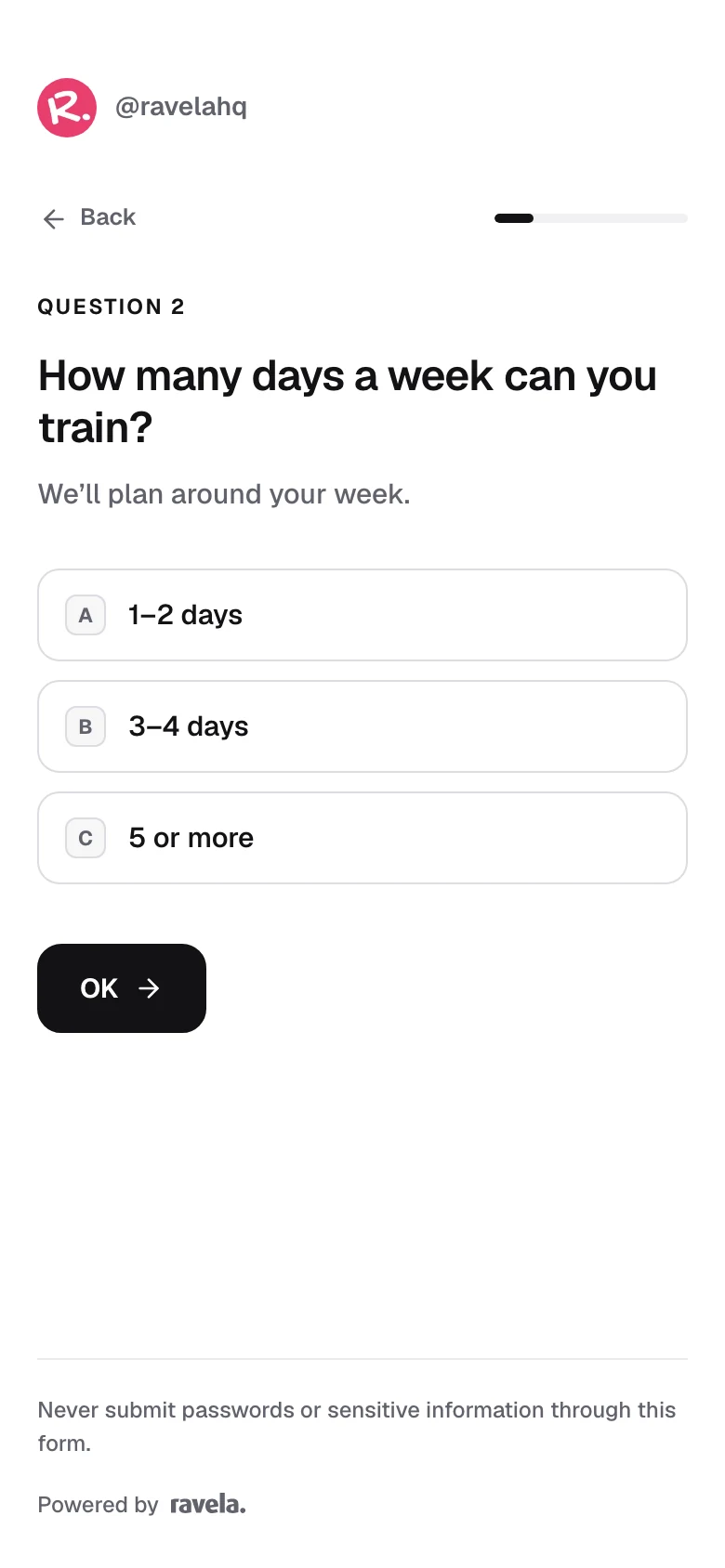
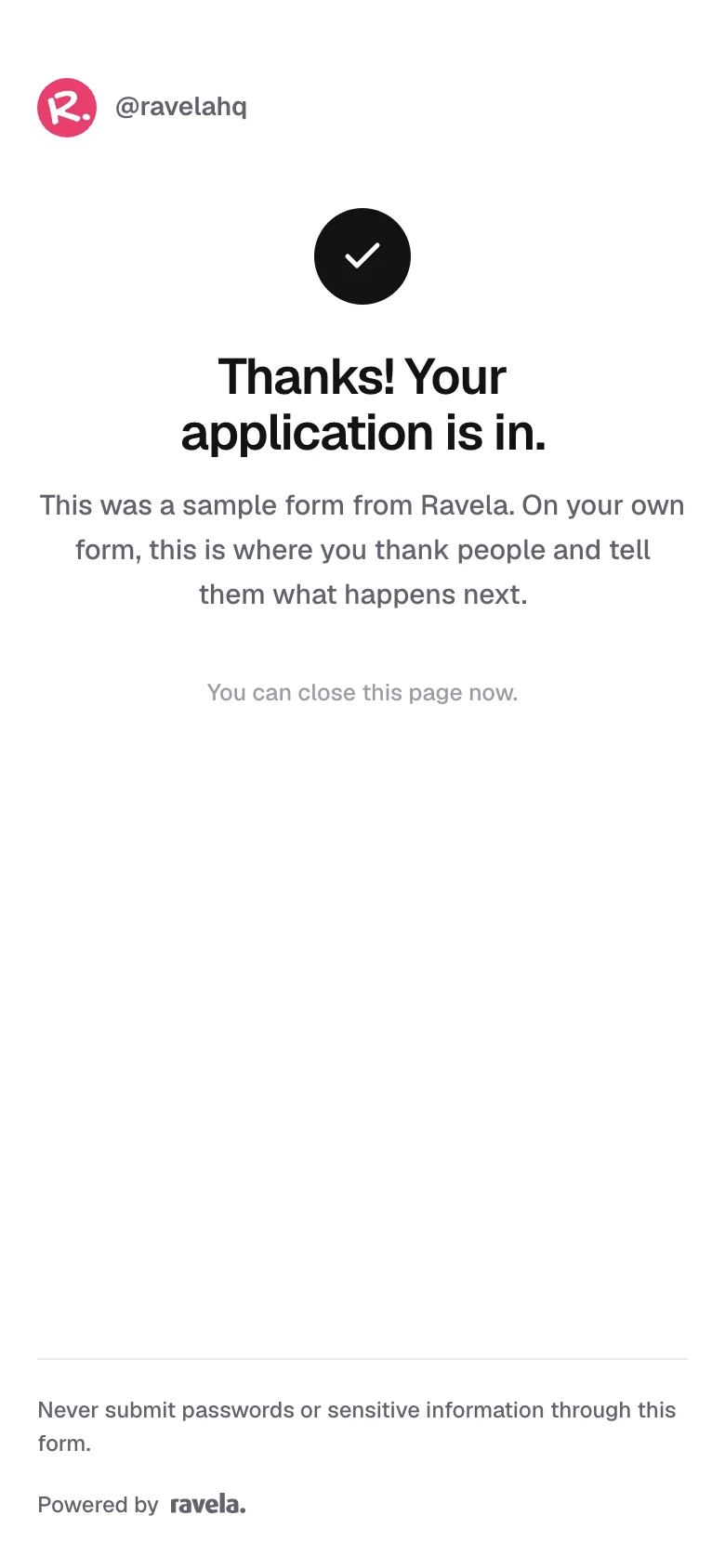
At its own link.
Put it in your bio, on your website, or in your newsletter. People can answer without sending a DM.
Only what applies.
A question can skip ahead based on the answer, so everyone sees only what matters to them.
Ask it your way.
Text, choices, ratings, dates, and more, with your own welcome, thank-you, and color.
Asked once. Put to work.
Once someone answers, you never have to ask again. Ravela keeps what they told you and puts it to work.
Read the forms guide- RECEIVED
Every one kept.
Each response lands in your form’s responses, from a DM or the web, with a summary of every question.
- SAVED
To their contact.
From a DM, their email and phone save on their own, and any other answer saves when you choose to keep it.
- REPLIED
In their words.
The conversation picks up where the form ends, so your next message can greet them by name or match what they picked.
- SORTED
A path for each.
A beginner and a pro each get their own next step, based on what they told you.
Before you ask.
Plain answers about forms with Ravela, from your first question to the replies that follow.
Ask the teamWhat can I ask?
Anything with an answer: short or long text, email, phone, a website, a number, choices, a dropdown, yes or no, a rating, or a date. Each question can be required or optional.
Does it work on the web?
Yes. Turn on its share link and post it in your bio, a story, your website, or your newsletter. Responses from the link come in without a contact attached, and you can see them apart from the DM ones.
Do answers save to their contact?
Yes, when the form came from a DM: email and phone save on their own, and any other answer saves when you choose to keep it. Every response, from a DM or the web, also lands in the form’s responses, with a summary of each question.
Can my reply use their answers?
Yes, when the form came from a DM. Once they finish, the conversation picks up with their answers, so your next message can greet them by name or match what they picked.
Can a form change with the answers?
Yes. Each question can send people to a different question, or straight to the end, based on what they answered. Everyone sees only what applies to them.
What do I need to start?
The Growth plan or higher. To send forms in your DMs, connect your Instagram account.
Compare plansYour next application starts with a DM.
Keep doing the work you love. Ravela asks your questions in your DMs, keeps every answer in one place, and gives your next reply what it needs.
14-day free trial. Card required, no charge until it ends.
APPLY 🙋♀️