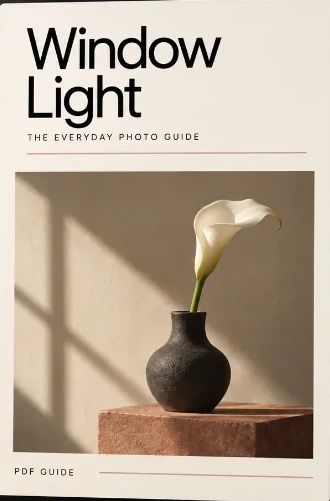
 GUIDE
From “GUIDE” to delivered.
Someone comments your word. Ravela replies, and once they answer, sends your file. It opens on a clean page, and the open is counted.
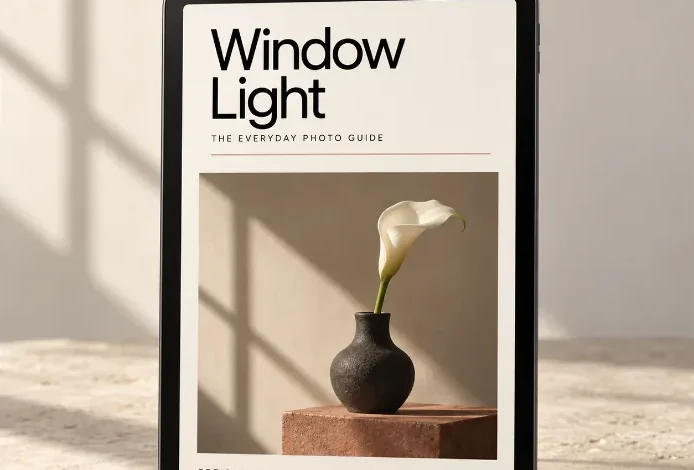
Someone comments GUIDE. Ravela replies: “Hey! Want my everyday photo guide? 📸” They answer: “Yes please” Ravela replies: “Here it is. Enjoy! 🌿”

- You wrote it once. Every reply here is yours. Ravela sends it whenever someone says the word, day or night.
- The file, one tap away. The button opens your file on a clean page, previewed right there, with a clear download.
- Sent, and counted. Ravela counts each send and each time the page is opened, so you know what landed.
Upload it once. Ravela sends it.
No more sending files one by one. Just your files, your words, and a link to share anywhere.
Upload it once
PDFs, images, video, audio, and documents live in one library, not spread across other apps. Replace a file, and Ravela sends the new one from then on.
Pick the word
Choose what people comment or send to get it, like GUIDE, and write your reply.
See what got opened
Every file shows In flows, Sent, and Link opens, so you know what got opened, not just what went out.
A clean page for every file.
This is Ravela’s sample file, as it opens for anyone with the link. The same page goes out in your DMs, and its link works in your bio, a story, your website, or an email.
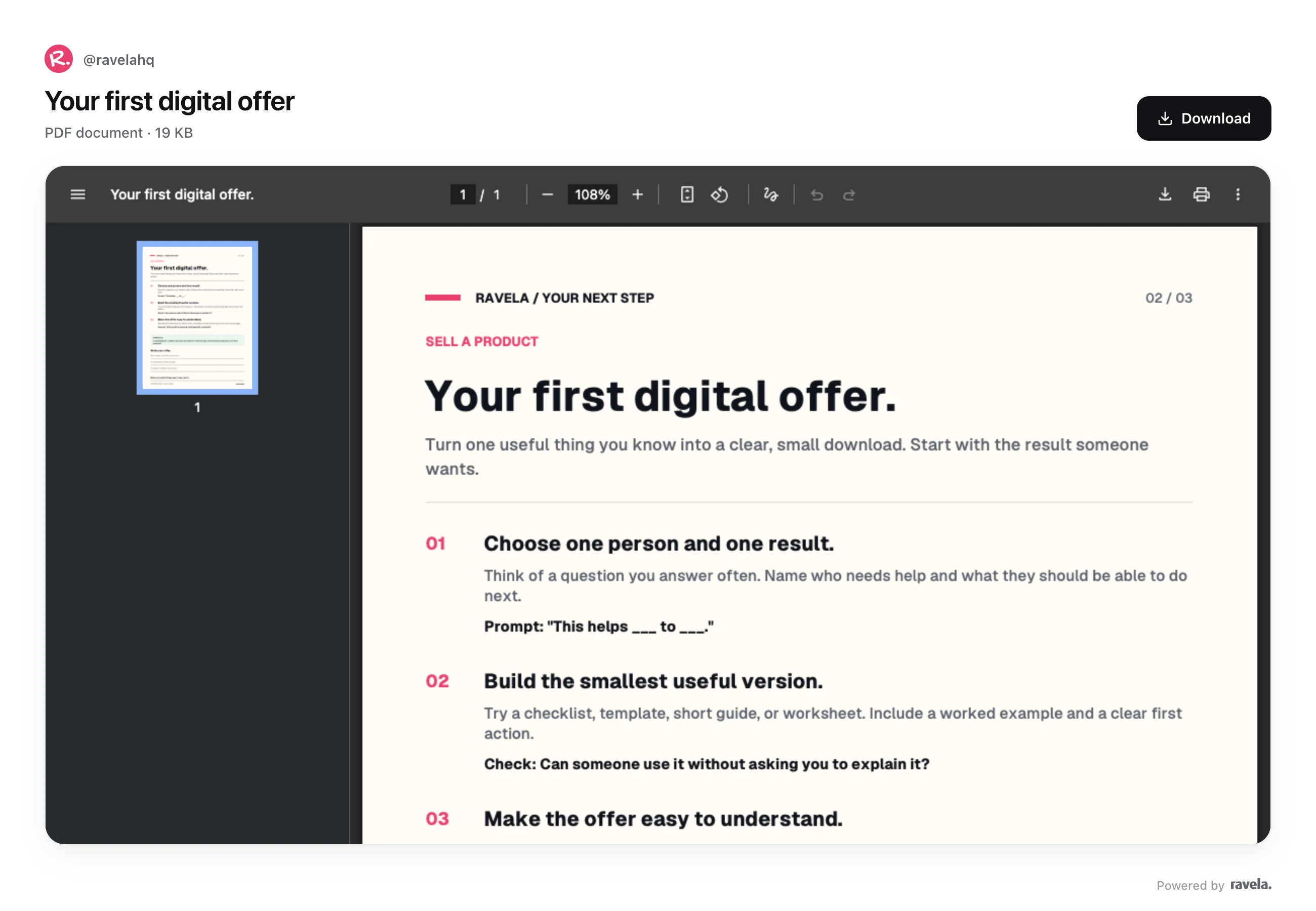

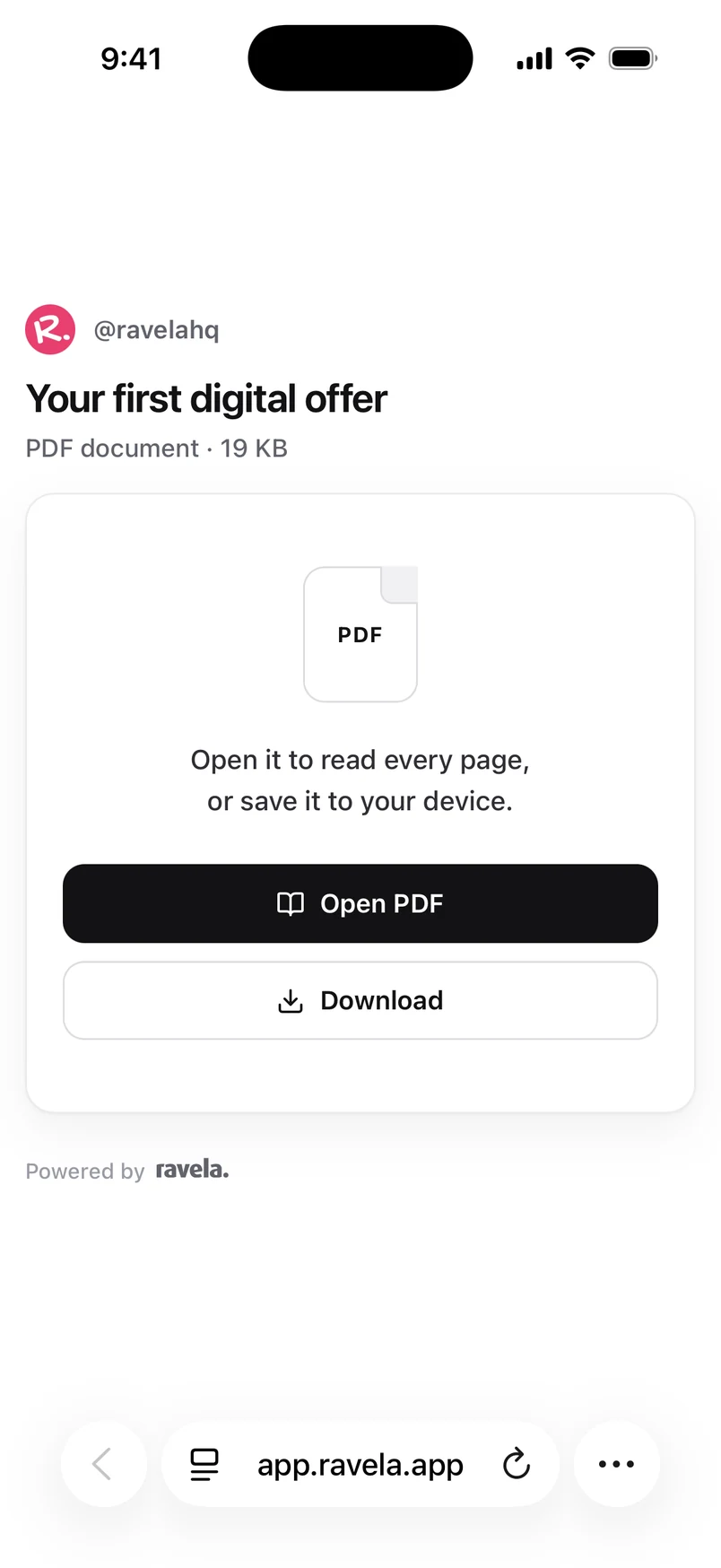
At its own link.
Share any file in your bio, a story, your website, or an email. No DM needed.
It opens right there.
Pictures show, video and audio play, and every file has a clear download.
Always the latest.
Replace a file, and every reply sends the new one from then on.
Sent for you. Counted for you.
Once a file is in Ravela, it’s ready wherever people ask for it. No other place to keep it, and no guessing whether it landed.
Read the files guide- STORED
In one library.
PDFs, images, video, audio, and documents live together in Ravela, not spread across other apps.
- SENT
Right in the DM.
The file itself, when Instagram supports it, or a button that opens its page.
- SHARED
By link, too.
Copy a file’s link from your library for your bio, a story, your website, or an email.
- COUNTED
Every open.
See how many times each file went out and how many times its page was opened.
Before you share.
Plain answers about sharing files with Ravela, from your first upload to what got opened.
Ask the teamWhat can I share?
PDFs, images, video, audio, archives, and documents like spreadsheets, slides, and text files. Each opens on a clean page: pictures show right there, video and audio play, and every file has a clear download. How much you can store depends on your plan.
Does it work on the web?
Yes. Copy a file’s link from your library and share it in your bio, a story, your website, or an email. It opens the same clean page people get in the DM.
Can I see what got opened?
Yes. Every file shows In flows, Sent, and Link opens: where it’s used, how many times Ravela sent it, and how many times its page was opened. An open means the page was opened, not that the file was read or downloaded.
Do links expire?
Yes, on purpose. Every link is time-limited, so a guide you share today doesn’t float around the internet forever. When one runs out, copy a new link from your library.
What arrives in the DM?
The file itself, when Instagram supports it, or a button that opens its page. Choose the button when you want to count opens. When someone comments, Ravela replies in their DMs first and sends the file once they answer.
What do I need to start?
Every plan includes your file library and sends files right in the DM. The file’s page, its links, and open counts come with Growth and up. To send files in your DMs, connect your Instagram account.
Compare plansYour next download starts with a DM.
Keep doing the work you love. Ravela sends your files when people ask, keeps them in one place, and shows you what got opened.
14-day free trial. Card required, no charge until it ends.
GUIDE 🙏